1. Check who bills your Fortnite Crew subscription
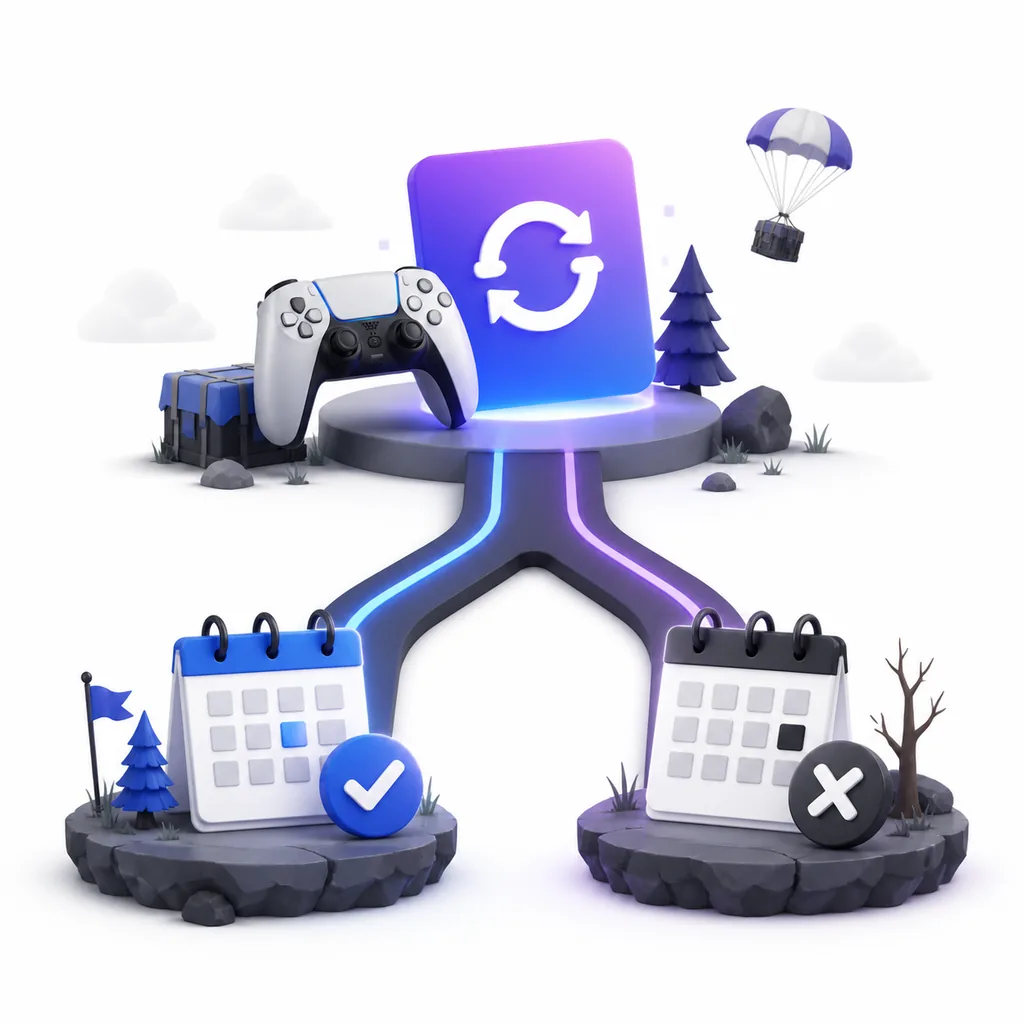
The most common cancellation mistake is opening the wrong account. Fortnite can be played on several platforms, but the place where you play is not always the place where the recurring charge is managed. Start with the receipt, bank statement, console account, or email that shows the purchase. Look for the merchant or platform name, the account email, and the next billing date. Do not assume that an Epic Games login controls a subscription paid through a console store.
If you cannot find a receipt, check the subscription pages for the Epic account you use with Fortnite, then check Microsoft, PlayStation Network, or Nintendo account subscriptions. A missing entry is useful evidence: it can mean that you are signed into the wrong account, the purchase was made on another platform, the plan has already ended, or the charge is a different Fortnite purchase. Resolve that identity question before pressing any cancellation button.
- Receipt or bank line: identifies the merchant and often the account email.
- Renewal date: tells you how quickly you need to act.
- Platform account: determines which subscription manager can change renewal.
- Confirmation email: gives you evidence if the next charge still appears.
2. How to cancel Fortnite Crew on Epic or PC billing
For a subscription paid directly through Epic, sign in to the Epic Games account connected to Fortnite and open the account area that lists subscriptions, payments, or Fortnite Crew. The exact label can change as Epic updates its account pages, so use the billing page rather than following an old screenshot. Find the active Crew subscription, choose the option to stop or cancel recurring billing, and read the confirmation details before leaving the page.
A successful cancellation should make the renewal state clear. Save a screenshot or confirmation email showing the subscription name, the date on which access ends, and whether the current paid period remains active. If Epic shows no active Crew subscription but you still see a charge, do not start a second subscription to test it. Compare the receipt account, review the payment provider, and contact Epic support with the transaction information.
- Use the Epic account that received the Crew entitlement, not a shared or secondary account.
- Stop recurring billing and read the displayed access end date.
- Keep the confirmation reference, email, or screenshot.
- Escalate a missing subscription or duplicate charge through Epic Billing Support.
3. How to cancel Fortnite Crew on Xbox, PlayStation, or Nintendo
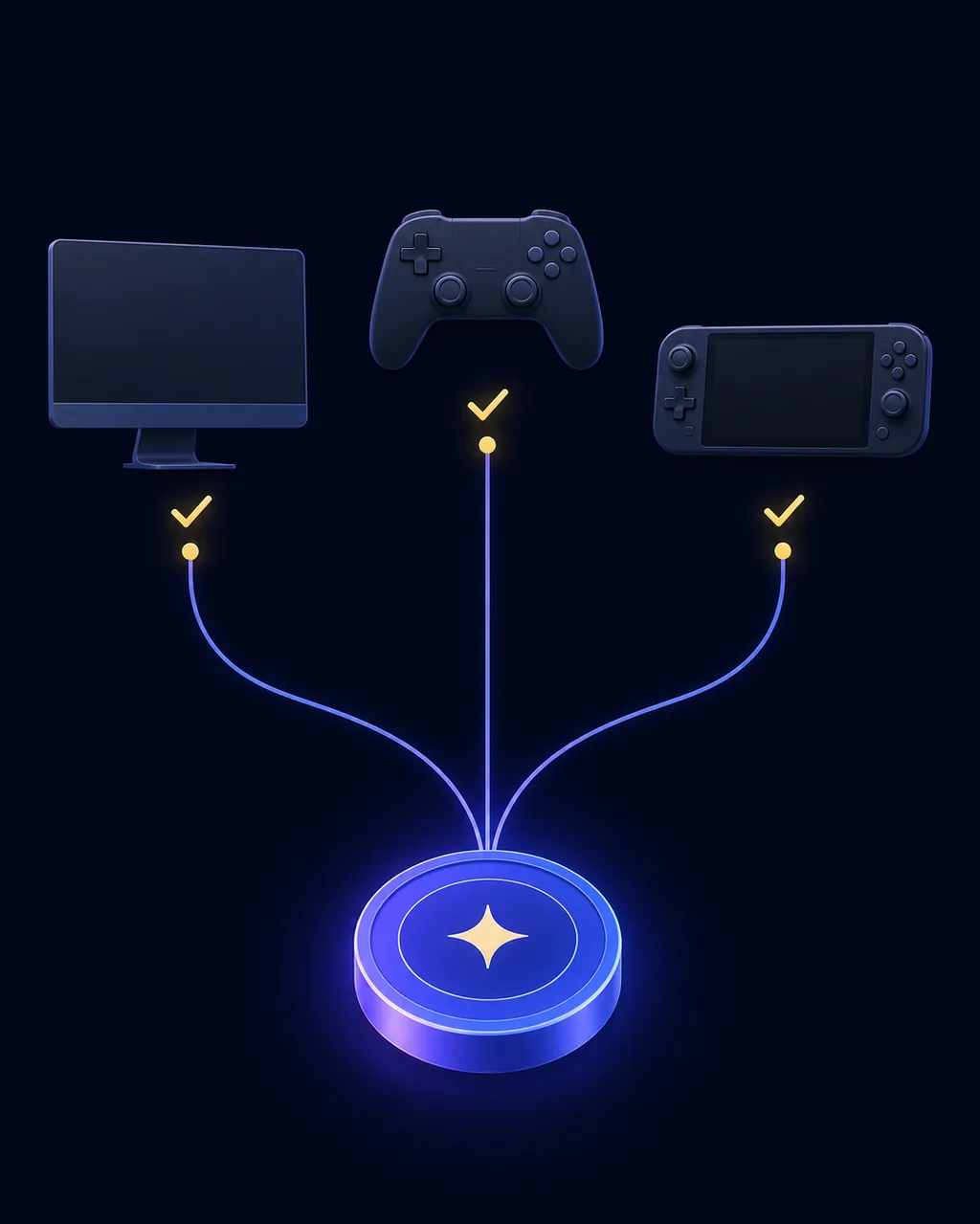
When a console store processed the payment, use that store's subscription controls. On Xbox, check the Microsoft account subscriptions page for Fortnite Crew and turn off recurring billing or cancel the active plan according to the confirmation wording. On PlayStation, open the subscriptions area for the PlayStation Network account that paid for Crew. On Nintendo, check the Nintendo account or eShop subscription area that shows the Fortnite charge. The names and layout can differ by country, device, and account type.
The important result is not the button label; it is the final billing state. Confirm that the plan will not renew, note the date access ends, and keep the platform confirmation. If the subscription was bundled with a promotion or another service, read the bundle terms separately. A Game Pass entitlement, a console promotion, or a free trial can have a different end rule from a direct Fortnite Crew purchase, so do not infer the result from the word Crew alone.
| Billing source | Where to start | What to confirm | Do not assume |
|---|---|---|---|
| Epic or PC checkout | Epic account payments or subscriptions | Recurring billing is off and an access end date is shown | An old screenshot matches today's account menu |
| Xbox or Microsoft | Microsoft account subscriptions | Fortnite Crew is listed under the account that paid | Playing on Xbox means Epic can cancel it |
| PlayStation Network | PlayStation account subscriptions | The plan will not renew on the shown date | Deleting Fortnite changes the subscription |
| Nintendo or eShop | Nintendo account subscription settings | The charge and renewal status belong to the correct account | A different Nintendo profile owns the entitlement |
| Unknown merchant | Receipt, bank statement, then official support | The merchant confirms the cancellation | A third-party code or account seller can cancel it safely |
4. What happens after you cancel Fortnite Crew?
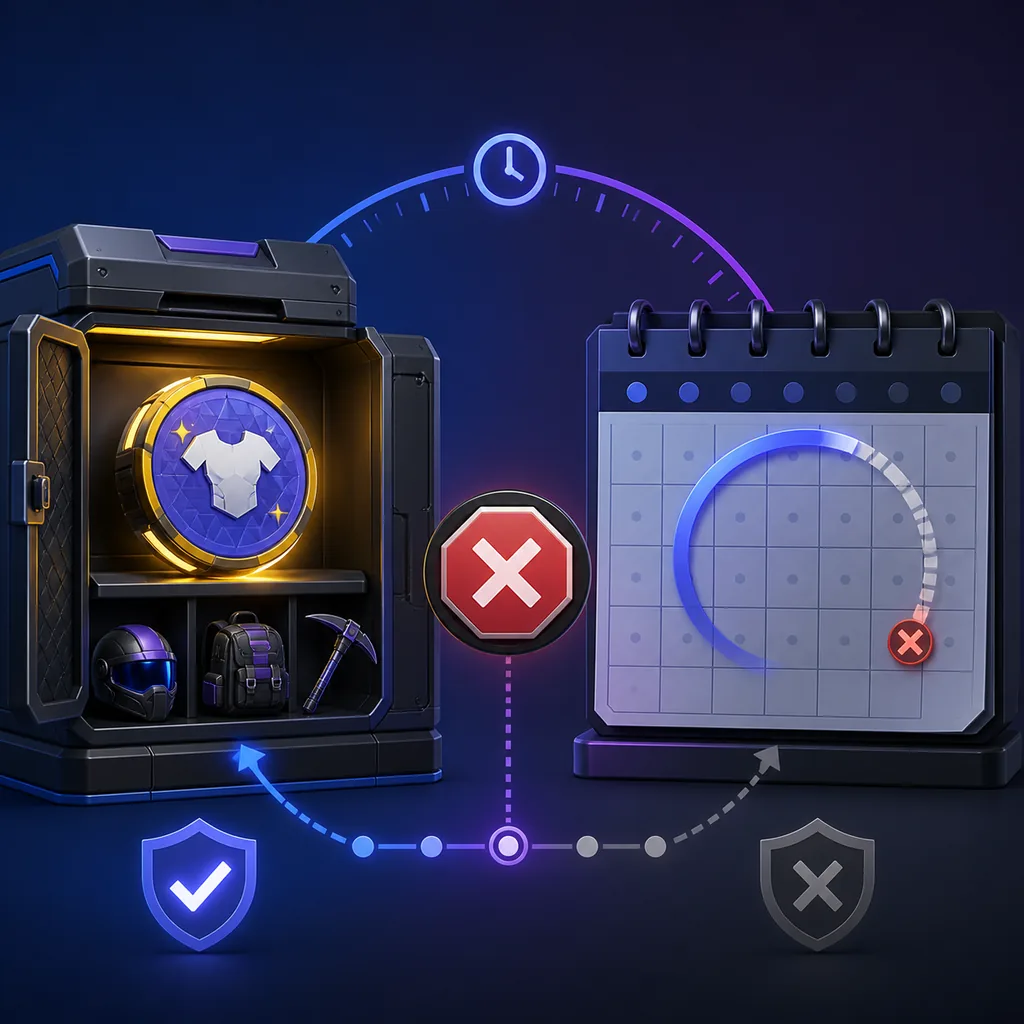
Stopping renewal and ending access are usually two different moments. In many subscription systems, cancellation prevents the next charge while the current paid period continues until the date shown in the confirmation. That date is the one to trust for your account. A platform may display a renewal date, expiration date, or a message such as access through the end of the billing period. Save that wording because it is more reliable than a general guide or a social-media comment.
Cosmetics already granted to the account are not normally removed solely because you cancel renewal. Future Crew Pack items, recurring V-Bucks, Pass access, and other benefits should be treated as benefits of the eligible paid period, not as permanent promises. If a cosmetic or currency grant is missing, check the in-game locker and account history first, then contact the billing platform or Epic support. Do not use a new purchase to diagnose an entitlement problem.
5. Cancellation is not the same as a Fortnite Crew refund
Cancellation answers one question: will the recurring plan renew? A refund asks another: can a charge or purchase be reversed under the applicable policy? Turning off renewal does not automatically return money or V-Bucks. If you were charged unexpectedly, first identify whether the payment came from Epic, Microsoft, PlayStation, Nintendo, or another store. Then use that provider's official purchase or billing support process and include the receipt details.
Do not spend a Return Ticket or describe a subscription cancellation as a skin refund without checking the rules. A Crew subscription, a cosmetic bought with V-Bucks, and a cash payment can have different eligibility paths. This site can explain the distinction, but it cannot inspect your account, restore a payment, or promise an approval. For a separate V-Bucks purchase question, use the Fortnite skin refund guide and the official support page linked below.
Stop the next charge
Use the account or store that processed the recurring subscription and save the confirmation.
Check the end date
Cancellation may leave current paid access active until the date shown by the platform.
Ask the correct provider
A refund or billing dispute is a separate request with separate eligibility rules.
6. Four checks before you confirm cancellation
First, compare the account name and receipt with the subscription screen. Second, read whether the action stops only renewal or ends access immediately. Third, check whether the current Crew Pack, V-Bucks grant, or included Pass benefit has already been delivered. Fourth, save the final confirmation and set a reminder before the displayed end date if you want to review the next shop or subscription offer later.
These checks are useful because Fortnite Crew questions often mix three different timelines: the date of the next charge, the date the current entitlement ends, and the date a cosmetic was granted. A page that says only cancel subscription can leave those timelines unclear. Record them separately. If the platform shows a different result from the receipt, stop and contact the provider before making another purchase.
Match the receipt, account email, and platform to the active Crew subscription.
Use the official subscription manager and read the final confirmation.
Save the access end date, confirmation message, and any missing-benefit details.
Use Epic or platform support for a missing subscription, continued charge, or refund question.
7. Common cancellation mistakes and safer fixes
Uninstalling Fortnite is not a billing action. Nor is changing the display account, deleting a payment card, or blocking a merchant in a banking app a reliable substitute for cancelling the subscription. Those actions can create a failed payment, an account dispute, or a confusing renewal state without producing a platform confirmation. Use the official subscription manager first and keep the record it gives you.
Another mistake is trusting a generic answer about Fortnite Crew price, Xbox Game Pass, or old Crew skins as if it were an account decision. Prices, promotions, included Passes, and platform rules can change by market. Check the live checkout or account page for your region, and use the official Epic or platform support link when the account does not match the receipt. Community lists are useful for identifying cosmetics, not for authorizing billing changes.
- Do not delete the game instead of cancelling the subscription.
- Do not cancel a card payment before recording the subscription state.
- Do not assume Xbox Game Pass and direct Crew billing have identical terms.
- Do not treat an old Crew skin list as proof of current benefits.
- Do not share account credentials with a site that promises to cancel for you.