
What does Fortnite account value actually mean?
Searches for Fortnite account value mix three different questions: how many cosmetics an account owns, how many V-Bucks those cosmetics would cost to replace, and what another person might offer for the account. Only the first two can be documented responsibly from public cosmetic data and your own Locker. The third is a resale question with account-security, platform-rules, and fraud risks, so this page does not calculate or endorse a sale price.
A replacement-cost estimate answers a narrow question: if the same cosmetic records appeared through their normal shop, pass, Crew, event, or promotional route today, what currency or purchase history would be needed to obtain comparable content? Some items have no normal shop price, some bundles change the effective price, and some passes cannot be recreated. Those gaps should be shown as unknown rather than filled with a made-up number.
| Measure | What it answers | Use in a guide |
|---|---|---|
| Owned Locker count | How many cosmetic records the account can equip | Use the in-game Locker as the source |
| V-Bucks replacement cost | A dated estimate of normal cosmetic prices | Show assumptions and unknown items |
| Cash resale price | What another person might offer for an account | Do not promise or endorse; rules and risk vary |
How to check Fortnite Locker value without a risky checker
Build a private inventory first
Open Fortnite on the account you intend to audit and go to Locker. Start with Outfits, then repeat the same process for pickaxes, gliders, emotes, wraps, back blings, and other categories you want included. Clear search, rarity, set, archived-item, and owned-only filters before counting. The label can move after a client update, but the rule stays stable: inspect records the account can equip, not the current shop or a community catalog.
Write the name of each record in a private spreadsheet or note, along with its category, known source, selectable styles, and checked date. You do not need to send the list to a website. If the Locker shows a collection total, capture the number as a convenience and still record the category definition. A public catalog can help identify an item image or historical name, but it cannot prove that your account owns that item.
- Open Locker on the correct Epic profile and confirm the display name.
- Clear filters and count base cosmetic records, not selectable styles.
- Keep outfit, pickaxe, emote, glider, wrap, and bundle records in separate columns.
- Save the date and source of every price or ownership assumption.
- Stop if a service asks for a password, one-time code, recovery code, or account transfer.
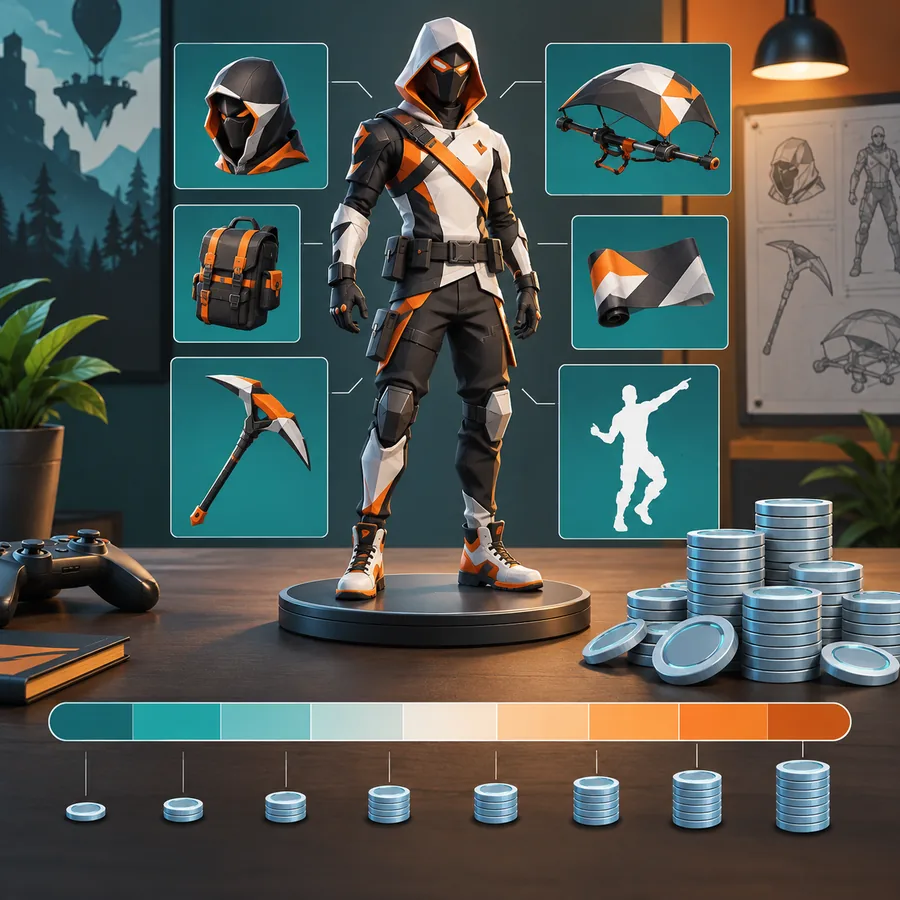
How to estimate Fortnite locker value in V-Bucks
Use the most conservative price that matches the item's normal acquisition path. For a standard shop outfit, record the listed V-Bucks price from an official shop screen or a clearly dated community reference. For a bundle, record the bundle price and list its included records so you do not add the full individual prices again. For a Battle Pass, Crew Pack, event reward, promotional pack, or item with no repeatable price, mark the replacement cost as unknown or use a separate non-currency note.
The result is a range when the data is incomplete. A low estimate can include only cosmetics with a verified individual price. A broader replacement estimate can include known bundle prices and clearly label assumptions. Do not convert V-Bucks into a cash amount by multiplying a convenient store-pack rate and then call it account value; V-Bucks packs, regional prices, taxes, discounts, and unused currency make that conversion misleading.
| Record type | Suggested entry | Confidence |
|---|---|---|
| Standard Item Shop outfit | Known listed V-Bucks price and date | High when the source is current |
| Bundle | Bundle price plus included record list | Medium if ownership overlap is known |
| Battle Pass or Crew reward | Pass or subscription context, no invented item price | Context only |
| Promotional or retired cosmetic | Unknown replacement cost and source note | Do not monetize scarcity |
| Selectable style or duplicate reward | Keep under the base record | Do not count twice |
Worked example: a Fortnite account value estimate
Imagine a private inventory with four standard outfits at 1,200 V-Bucks each, two pickaxes at 800 each, three emotes at 500 each, and one bundle whose final price was 2,500 V-Bucks. The owner also has a Battle Pass outfit and a promotional cosmetic with no repeatable price. The documented low estimate is 4,800 + 1,600 + 1,500 + 2,500 = 10,400 V-Bucks, while the two unpriced records stay outside the arithmetic.
That number does not mean the account can be sold for 10,400 V-Bucks or the cash equivalent. It does not include unused currency, time spent playing, platform access, account history, or the legal and security constraints around transferring an Epic account. The value of the example is its audit trail: another person can see exactly which records were counted, which were unknown, and when the estimate was made.
List owned base records by category and remove duplicate styles.
Attach a verified normal V-Bucks or bundle price where one exists.
Move pass, promotional, retired, and unknown records into a context column.
Save the checked date and assumptions so a future estimate is comparable.
Why rare Fortnite skins are not a cash value
A long Item Shop return gap can explain why players search for locker value, but it does not create a guaranteed market price. Rarity labels are not universal financial ratings, and an old Battle Pass, Crew cosmetic, or promotional reward may have no legitimate replacement path at all. Treat rarity as a historical or collection note rather than a multiplier in your worksheet.
The same caution applies to collaboration items, early-season cosmetics, and accounts with large catalogs. A high cosmetic count may make an inventory interesting while adding no reliable resale number. When you discuss a rare record, link readers to its history or source page, state what is known, and avoid language such as guaranteed worth, investment, or safe profit.
- Rare does not mean officially valued in cash.
- A return gap is historical evidence, not a price forecast.
- A large catalog can include low-price repeats, styles, and bundle overlap.
- Use unknown or context labels instead of forcing every cosmetic into V-Bucks.
Are Fortnite account value calculators and locker checkers safe?
A page titled Fortnite account value calculator may be useful when it only accepts a user-entered list and explains its formula. It becomes a different risk when it asks for an Epic password, two-factor code, recovery code, payment details, or an account transfer. Those credentials are not needed for a basic inventory estimate. A username search also cannot prove private ownership unless an approved account connection supplies that data, and you should understand the permissions before authorizing any connection.
Use Epic's account security guidance for suspicious links or unfamiliar connections. If you already entered credentials into a questionable checker, change the password from the official account surface, review connected apps, enable or reset two-factor protection as appropriate, and contact official support. Do not paste recovery codes into a chat, spreadsheet, screenshot, or public post.

Limits, updates, and how to keep the estimate useful
Fortnite cosmetics, shop prices, bundle contents, pass structures, and regional purchase rules can change. A value estimate should therefore be treated like a snapshot. Recheck the inventory after a major account change, keep the source URL or screenshot reference for a price, and note whether the number is a low verified total or a broader assumption-based range.
This method also has a deliberate boundary: it does not fetch an account, inspect private data, or claim that an account is transferable. It is useful for comparing your own collection over time, planning which categories you want to document, and explaining why a public catalog total differs from a Locker total. For today's offers, use the live Item Shop; for ownership, use the in-game Locker; for security, use Epic's official account pages.
| Question | Best source | Why |
|---|---|---|
| What do I own? | In-game Locker | It reflects the account's available records |
| What is in today's shop? | Live Item Shop | It reflects rotating offers |
| What did this cosmetic cost? | Official shop or dated reference | It preserves the acquisition context |
| Is my account secure? | Epic account security | It is the authoritative support path |
A safe Fortnite account value checklist
To estimate Fortnite account value responsibly, begin in the correct Locker, clear filters, and create a private list of base cosmetic records. Add verified V-Bucks or bundle prices only when the normal acquisition path supports them. Keep styles, pass rewards, promotional items, and retired cosmetics in separate context columns. The final result should show its date, assumptions, unknowns, and category scope.
Use the estimate to understand your collection, not to promise a sale price. If you want a current cosmetic, check the live Fortnite Item Shop. If you want a count of owned outfits, follow the skin-count guide. If a third-party checker asks for credentials, stop and use Epic's official account security route instead.