What are Fortnite emotes and dances?
Fortnite emotes are cosmetic animations that let a character move, pose, gesture, or react. They do not change weapon damage, movement speed, or an outfit's gameplay statistics. A dance is a common everyday name for an emote, especially when the animation is built around choreography. In search results and community conversations, Fortnite emotes, Fortnite dances, and emote Fortnite can describe the same broad discovery task.
The exact category labels can vary between the game client, the public shop feed, and a community database. Some entries may be presented as standard emotes, traversal animations, built-in actions, or music-related cosmetics. That is why this page uses the practical word emote for the topic but tells you to check the type shown by the current source before assuming two records are interchangeable.
An emote is also different from an outfit, back bling, pickaxe, wrap, loading screen, or bundle. A bundle can contain an emote and several other cosmetics, but it should not be counted as several emotes unless the individual records are actually listed. Keeping the cosmetic type clear prevents a catalog total or shop count from being mistaken for the number of emotes owned by your account.
| Term | What it describes | What to verify |
|---|---|---|
| Emote or dance | A cosmetic animation used by a character | The current source type and name |
| Outfit or skin | The character appearance you equip | Locker ownership, not shop presence |
| Built-in emote | An action tied to a particular outfit or cosmetic | Whether it can be used outside that outfit |
| Bundle | Several cosmetics sold or grouped together | Which entries are actually emotes |
How to find Fortnite emotes in the Item Shop
A repeatable shop check
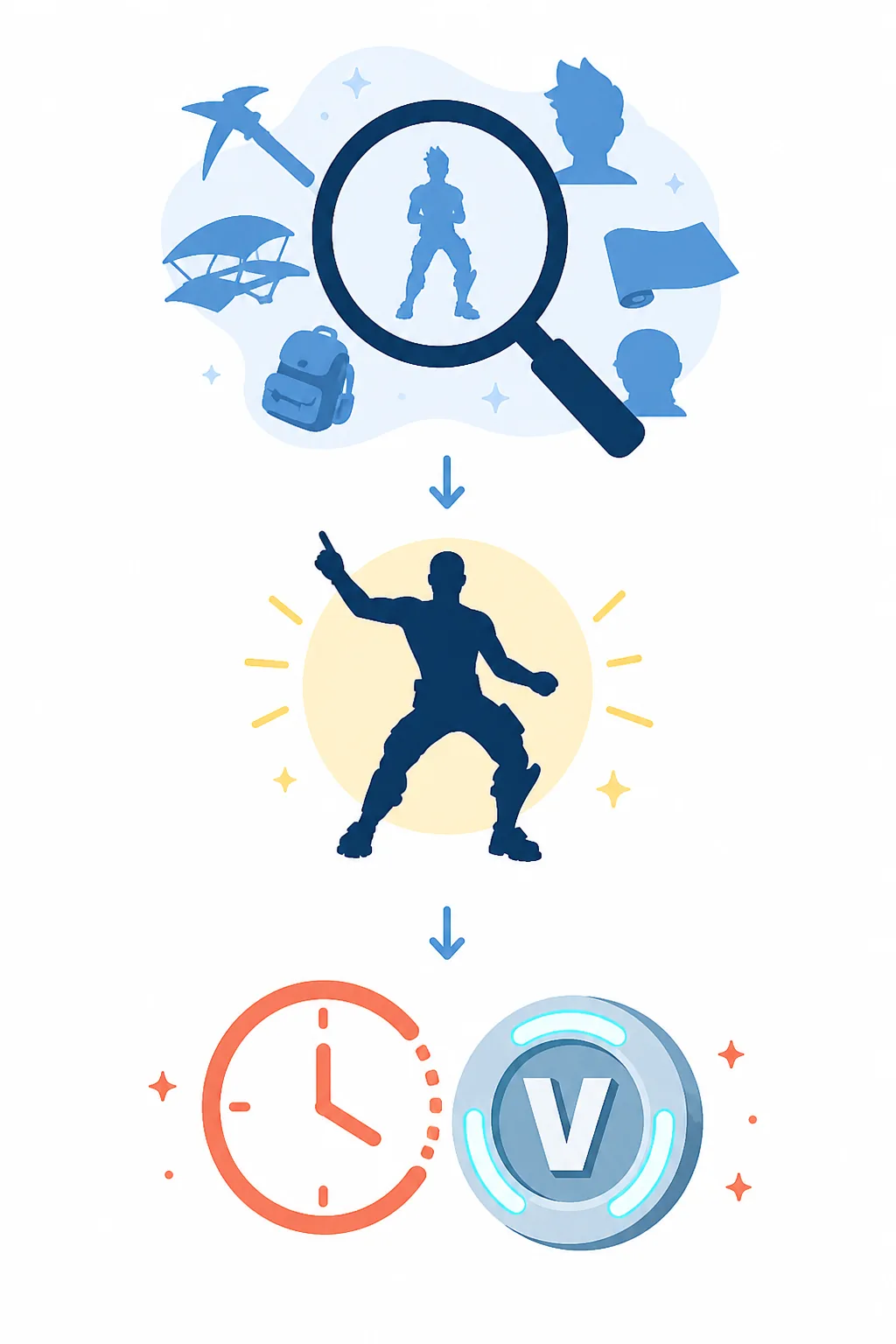
Start with the current shop rather than a static list. On this site, the live viewer reads a public Fortnite-API shop feed and lets you search item names, choose an item type, narrow the shop section, and set a maximum V-Bucks price. The feed is useful for discovery, but the in-game client and official checkout remain the final authority for availability, region, price, and account eligibility.
To look for an emote, open the live viewer, clear any old search term, choose the item-type filter that best matches emotes, and then search the name or a short word from the description. If the feed uses a different label for a traversal or music-linked action, try the name search and inspect the card's type. A blank result means the current data set has no matching offer; it does not prove that the emote has been removed forever.
Before spending V-Bucks, compare the offer name, price, shop section, and leave or expiry time. The daily rotation can change around the reset boundary, and a page cached in another tab may not match the current client. Take the live result as a time-stamped lead, then reopen the official or in-game shop before confirming the purchase.
- Clear the name search and choose the broadest relevant type filter.
- Search the emote name and test a short name fragment if spelling is uncertain.
- Check the section, price, and visible leave time on the current offer.
- Use the official Fortnite shop or the in-game client for the final purchase check.
- If the emote is absent, record the date instead of promising a return.
How to use an emote in Fortnite
Locker and emote wheel basics
To use an emote you own, open the Fortnite Locker and choose the emote or wheel customization area in the current client. Select the animation, assign it to an available wheel slot, and save the change if the client asks you to confirm. In a match, open the emote wheel with the control shown by your platform and choose the assigned slot. The exact button or key can differ between keyboard, controller, touch, accessibility settings, and later game updates, so treat the current on-screen control hint as authoritative.
If the wheel shows different emotes from the ones you expected, first check the selected preset, wheel page, and active outfit. A built-in action can appear only with a compatible outfit, while a normal emote may be stored in a different slot. Resetting a preset or clearing a filter can help you locate a missing record, but it will not grant an item that the account does not own.
Searches such as how to emote in Fortnite or how to emote in Fortnite PC are usually task questions, not requests for a list of every emote. That distinction matters: a control guide should explain the current menu path and platform caveat, while a catalog guide should explain names, types, shop presence, and return evidence. This page covers the first steps without pretending that one key binding works on every platform.
- Open Locker and find the current emote or wheel customization view.
- Assign an owned emote to a visible wheel slot or preset.
- Use the control hint shown by your keyboard, controller, or touch layout.
- Check the active outfit when a built-in action does not appear.
- Do not use a third-party account tool to unlock or count an emote.
Rare and old Fortnite emotes: what the evidence can prove
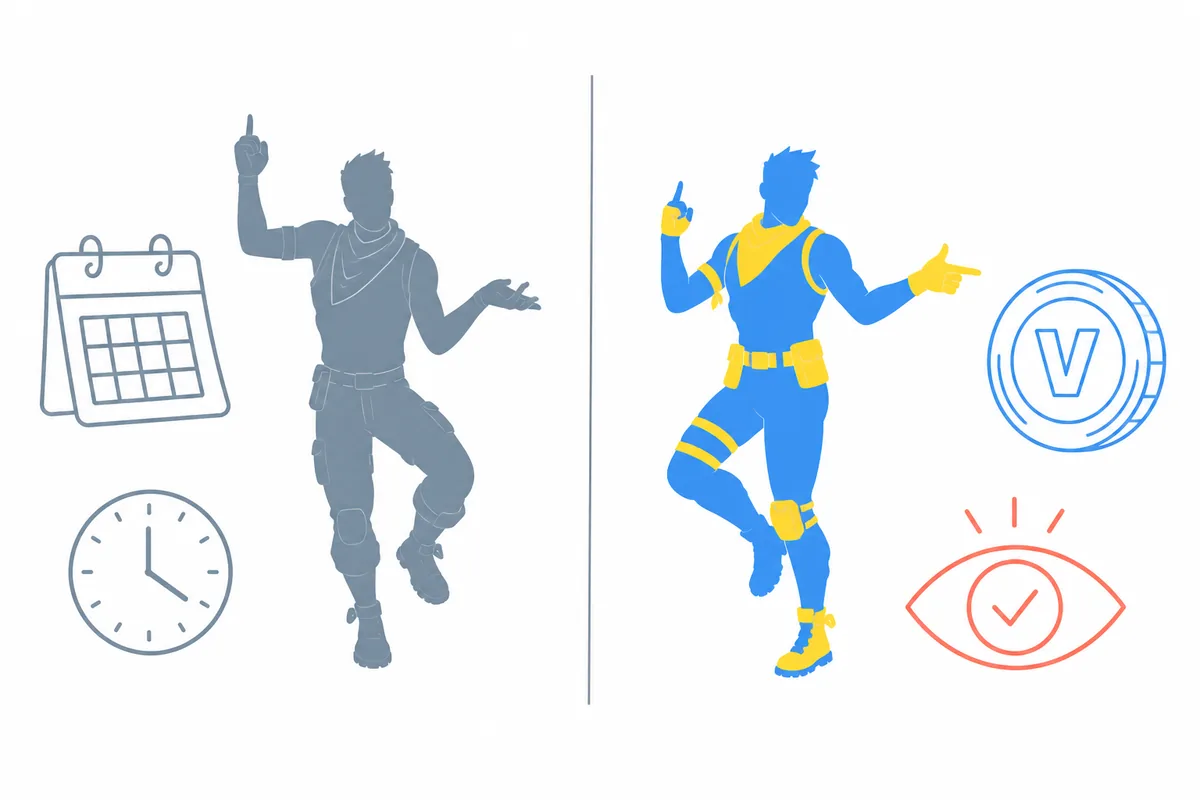
The phrase rare Fortnite emotes can refer to several different things: an old release date, a long Item Shop return gap, an event or pass source, a licensed collaboration, or simply strong community demand. These signals are not interchangeable. A database may show that a record is old, but it cannot turn that age into a promise that the emote is gone or that an account listing is legitimate.
The safest way to read an old-emote claim is to separate history from availability. Shop history can show that an offer appeared in the past. The live shop can show that it is available in the current rotation. An official event or entitlement page may explain a reward source. None of those signals alone can prove that the next rotation will contain the same emote, that a new subscriber can claim an old reward, or that another player's account is safe to buy.
A long absence is useful context, not a schedule. Collaboration and reward rules can be different from ordinary shop rotations, and a community list can lag behind the live client. Keep the date and source with every claim, use cautious language such as historically uncommon or not currently visible, and send purchase or ownership questions back to the official game surface.
| Signal | It can support | It cannot prove |
|---|---|---|
| Current shop card | The offer is visible in that checked feed | It will remain after the reset |
| Old shop history | The emote appeared on an earlier date | A guaranteed future return |
| Long return gap | A reason players call it uncommon | Permanent removal or legal rarity |
| Community catalog | A name, image, or category reference | Account ownership or official eligibility |
How many Fortnite emotes are there?
There is no single permanent answer to how many emotes are there in Fortnite. The number changes as new cosmetics are released, and each source may define the category differently. One catalog can count standard emotes only; another can include traversal actions, built-in records, archived entries, or records that are not currently obtainable. A changing database total is not a bug by itself.
For your account, the more useful question is how many emotes you own. Use the in-game Locker and count the records available to the account, while treating selectable styles and bundle extras as separate notes rather than extra emotes. For the public catalog, record the source, category filter, and check date. That makes a later comparison meaningful even when the total has changed.
This distinction also helps when someone advertises an account with a large emote collection. A screenshot or database count can identify names, but it does not prove ownership, transfer safety, or whether Epic permits the transaction. Do not trade account credentials for a number that could be stale or incorrectly scoped.
- Use the Locker for an account-owned emote count.
- Use a dated public catalog for names and category scope.
- Do not count skins, styles, back blings, or bundle records as emotes.
- Never treat a catalog total as a list of items your account owns.
Common mistakes when searching for Fortnite emotes
The first mistake is treating a list of Fortnite dances as a live shop list. A static list can be useful for names and history, but the shop rotates and a public database may not match the current client. Use a live result for today's discovery and an official screen for the purchase decision.
The second mistake is calling every old or popular emote rare. Popularity, age, licensing, pass ownership, event availability, and return history answer different questions. Prefer a table of evidence over a dramatic tier list, and state when a source or checked date is missing.
The final mistake is trusting free-emote codes, account sellers, or login forms that promise a missing item. A normal emote search does not require an Epic password, two-factor code, recovery code, or payment details. Close the page, use the official account security path for unfamiliar connections, and return to the in-game Locker or Item Shop for the real state of the account.
- Do not confuse a catalog with today's Item Shop.
- Do not convert a long return gap into a permanent availability claim.
- Do not use a third-party login to check or unlock an emote.
- Do not copy an old price or availability label without a checked date.
A safer Fortnite emote checklist
For a current emote question, search the live shop, filter by the most relevant type, compare the name and price, and check the visible leave time. For an ownership question, use the Locker. For a rare-emote question, separate historical return evidence from current availability and label the source date. These three paths prevent a shop offer, a catalog record, and an account entitlement from being mixed together.
If the emote is not visible today, the honest answer is that it is not confirmed in the checked rotation. You can review Item Shop history or related Fortnite guides for context, but do not promise the next date. Keep the official Fortnite shop and the in-game client as the final purchase and eligibility references.