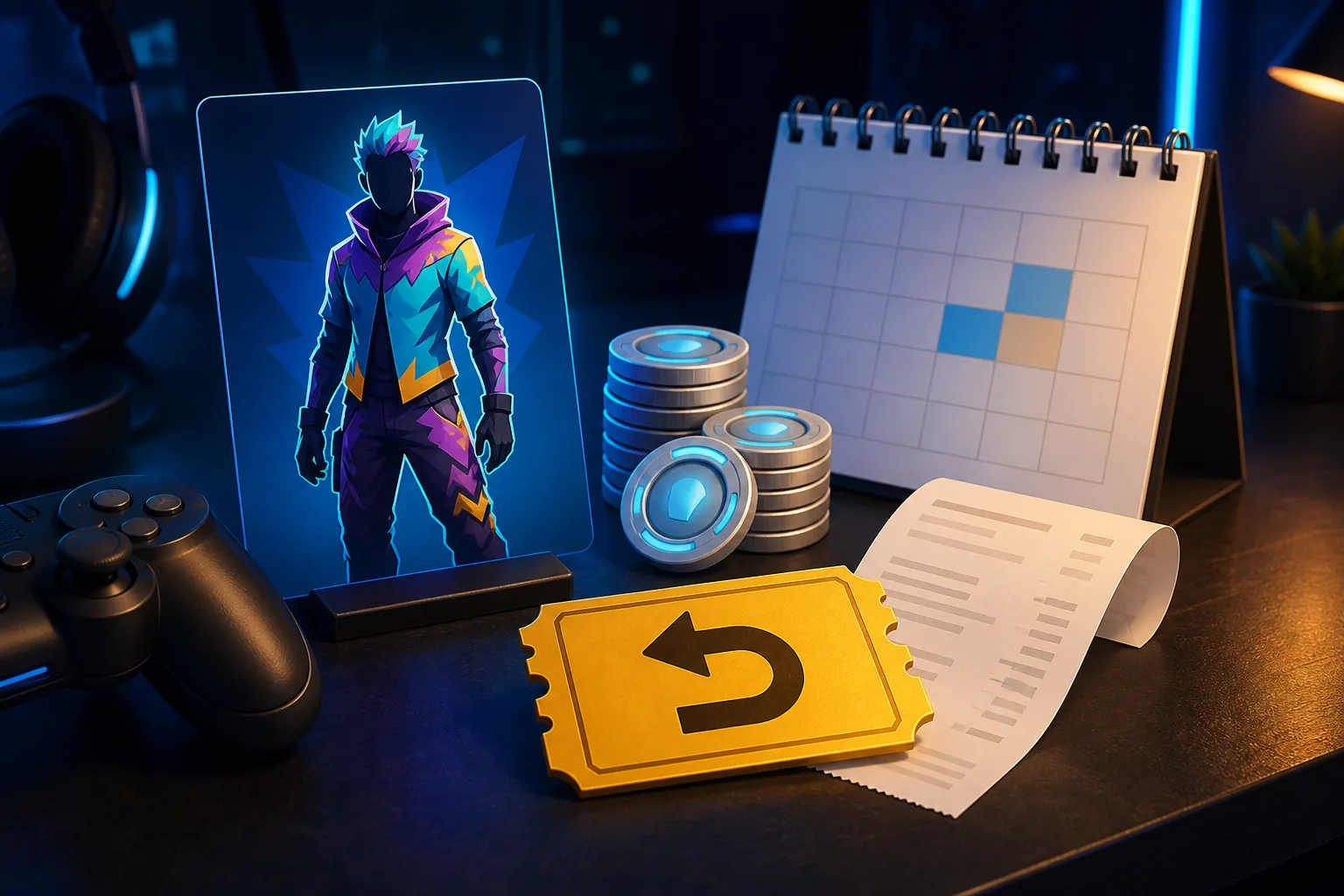
Cancel a purchase or use a Return Ticket?
The most important distinction is between cancelling a recent purchase and returning an older eligible cosmetic. Cancel Purchase is designed for a very recent Item Shop transaction. It is useful when you notice the mistake quickly and have not used the cosmetic. Once the cancellation window closes, the same item may need a Return Ticket, and a ticket is an account resource that should be spent carefully.
The game client may change the wording or location of these controls after an update. Treat the visible option and the eligibility message as more reliable than a screenshot from an old season. If the screen says the item is not eligible, do not keep searching for a hidden code or website that promises to bypass the rule.
The table below is a decision guide, not a promise that every account sees the same control. Start at the left, confirm the purchase details, and stop when Fortnite shows that the item cannot be returned.
| Path | Best use | What to verify |
|---|---|---|
| Cancel Purchase | A recent cosmetic purchase you have not used | The short cancellation window, item state, and purchase account |
| Return Ticket | An older eligible cosmetic after the cancellation window | Ticket availability, purchase date, item eligibility, and returned V-Bucks |
| Epic support | A billing or account problem the in-game screen cannot explain | Official receipt, account ownership, and the support response |
| Third-party site | Not a valid refund path | Do not submit credentials, codes, or payment data |
How to refund Fortnite skins in the game
Use the current Return or Cancel Purchase screen
Before opening the menu, write down the outfit name, purchase date, V-Bucks price, and the account that made the purchase. If you bought a bundle, note which components have already been equipped or used. This small record makes it easier to identify the right transaction and prevents an accidental return of a different cosmetic.
Launch Fortnite and open the menu that contains Settings. Look for Account and Privacy, then the option named Return or Cancel Purchase, or the closest wording displayed by your current version. Select the purchase from the list, read the item name and refund amount, and confirm only after the preview matches what you meant to return. If the client sends you to Epic support, follow that official route instead of copying your login into another site.
After the action completes, check the Locker and V-Bucks balance. The returned cosmetic should no longer be available to equip, and the balance should reflect the result shown by the confirmation screen. Save a screenshot of the confirmation for your own record, but do not publish account identifiers or receipts.
- Open Fortnite on the purchasing account.
- Open Settings and the Account and Privacy area.
- Choose Return or Cancel Purchase using the current on-screen label.
- Select the exact cosmetic and read the displayed refund amount.
- Confirm only after checking the item, date, and account context.
- Recheck the Locker and V-Bucks balance after the confirmation.
Which Fortnite cosmetics can be returned?
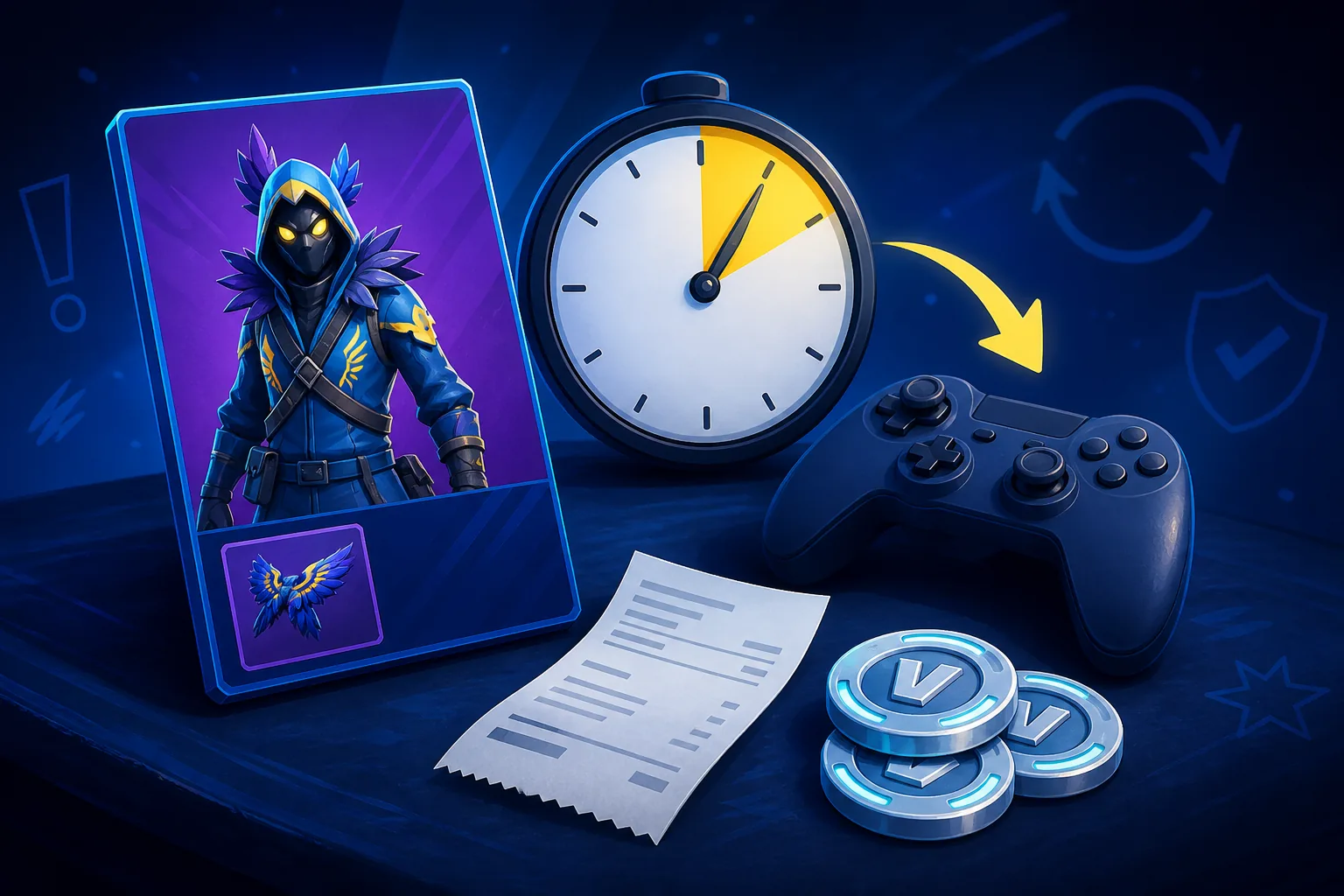
Eligibility depends on how the item was obtained, when it was purchased, and whether the account used it. A skin that looks like a normal outfit may be part of a bundle, promotion, pass, or gift with a different policy. That is why a list copied from another player cannot prove that your account has a refund option.
Use the in-game message as the final check. If Fortnite offers a return, read the amount and the item name before confirming. If it does not, keep the cosmetic and use Epic support only for a genuine billing, entitlement, or account issue. A community database can help identify an outfit, but it cannot grant a Return Ticket or change Epic's eligibility rules.
| Situation | What may happen | Safer next step |
|---|---|---|
| Recent unused Item Shop purchase | Cancel Purchase may be available | Open the current in-game refund screen immediately |
| Purchase outside the short window | A Return Ticket may be required | Check ticket availability and the displayed purchase date |
| Item already used or equipped in a match | The item may be ineligible | Read the client message; do not assume a ticket overrides it |
| Gift received or sent to another account | The normal buyer refund flow may not apply | Use the official support or gift policy path |
| Pass, promotional, or special bundle content | Special rules or exclusions may apply | Verify the exact offer in Epic's current help guidance |
Why cannot I refund some Fortnite skins?
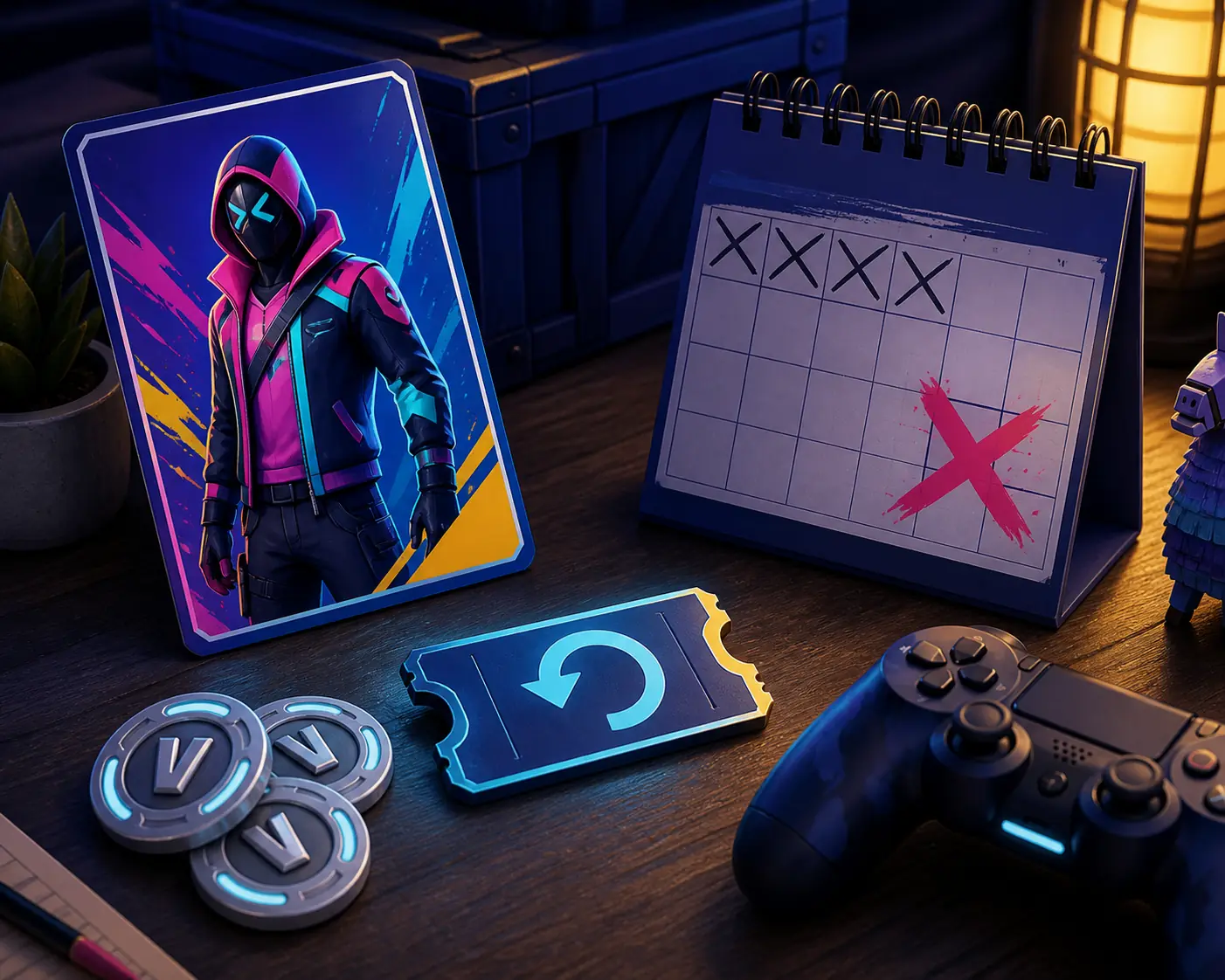
The missing refund button usually means that one of the account, time, item-state, or offer-type conditions is not satisfied. It does not necessarily mean the game is broken. First check that you are on the account that made the purchase, that the Locker has finished loading, and that you selected the exact item rather than a style, bundle component, or similar outfit.
Next, compare the purchase date with the message shown by Fortnite. A Return Ticket is not a universal undo button, and using one can consume a limited account resource. If the item was bought in a bundle, already used, received as a gift, or connected to a special promotion, the eligibility may differ from a standard Item Shop outfit.
If the account balance or entitlement looks wrong, keep the transaction receipt and use Epic's official support page. Do not download a refund tool, install an extension, or let another person connect to your account. Those actions add security risk without creating a legitimate refund path.
- Wrong account or platform context
- Cancellation window has closed
- Cosmetic was equipped or used
- Return Ticket is unavailable or already spent
- Gift, pass, promotion, or bundle rules apply
- The purchase is a billing or entitlement issue for Epic support
Can you refund gifted skins or get real money back?
A Fortnite cosmetic refund normally concerns V-Bucks returned to the account that made the eligible purchase. That is different from asking for a cash refund for a V-Bucks purchase, a platform payment, or an item someone gifted to you. Keep those questions separate because the game client, Epic support, and the platform store may handle them through different rules.
Do not promise yourself that a gifted skin can be returned through the same menu as a skin you bought. Gifts can involve a sender, a recipient, and a completed entitlement, so the normal cancellation control may not appear. Check the current Epic help destination for the exact case and avoid making a second purchase while the first issue is unresolved.
The phrase can I refund Fortnite skins for money is also a warning sign for overpromising content. This guide does not offer cash recovery, V-Bucks codes, account trades, or a method to turn cosmetics into money. For payments, use the official receipt and support channel associated with the purchase.
A 60-second check before you submit a refund
A refund decision is easier to reverse before you confirm it than after you spend a ticket. Take one minute to ask whether you still want the outfit, whether the purchase is the correct one, and whether the V-Bucks return will affect a planned Item Shop purchase. If you are only reacting to a rumor that another skin may appear tomorrow, use the live shop and return-date guide as context rather than rushing.
Then check the account details and the item state. A clear record should include the cosmetic name, purchase date, displayed price, refund route, and confirmation result. This is especially useful when multiple outfits have similar names or when a bundle contains more than one cosmetic type.
Finally, remember that static articles cannot see your account. If the current screen disagrees with a general guide, the account-specific message wins. Update your decision using the official Epic page or in-game support path, and never share private account data in a screenshot or chat.
| Check | Question to answer | Stop if |
|---|---|---|
| Item | Is this the exact outfit or bundle component? | The name or preview is different |
| Timing | Is the purchase inside the displayed route's window? | The game says the window or ticket is unavailable |
| Use | Has the item been equipped or used? | The item-state rule makes it ineligible |
| Value | Will the V-Bucks return change another purchase decision? | You are acting only on a rumor or countdown |
| Security | Am I using Fortnite or an official Epic page? | A third party asks for credentials or payment data |
Bottom line: use the official refund path
To refund Fortnite skins safely, open the current in-game Return or Cancel Purchase screen on the purchasing account, identify the exact cosmetic, and read the eligibility message before confirming. Recent unused purchases may use cancellation; older eligible purchases may require a Return Ticket. Gifts, used items, special offers, and cash-payment questions need separate care.
The live Item Shop remains useful before and after the decision: before a refund, it helps you avoid impulse buying; after a successful return, it shows what is currently available. For historical availability or future-return signals, use the related guides, but treat the current Fortnite or Epic purchase screen as the final source for your account.