What counts as a free Fortnite skin?
A free Fortnite skin is an outfit that reaches your account without a direct V-Bucks purchase. That does not mean it is always open to everyone. Some rewards require quests, tournament placement, a platform account, a limited campaign, a subscription trial, or a code from an official partner. The word free describes the purchase price, not the amount of effort or eligibility involved.
The most common mistake is grouping every free cosmetic together. A spray, wrap, pickaxe, emote, back bling, loading screen, and outfit are different reward types. Many official free rewards are not skins at all. If the search result says free skin but the official reward page says emote or back bling, trust the official reward type.
| Reward path | How reliable it is | Best action |
|---|---|---|
| Epic or Fortnite event | Strong when the news page or in-game quest is live. | Check the official page, dates, account eligibility, and in-game quest tab. |
| Free Battle Pass tier | Legitimate when visible in the current pass. | Confirm the reward type and required level before planning around it. |
| Account-linking promotion | Can be real, but often has platform or time limits. | Use only official linking flows and avoid third-party login pages. |
| Redeem code | Safe only when published by Epic or a verified partner. | Enter codes on the official redeem page, never on a random generator. |
| Free account with skins | High risk and usually against safe account practice. | Do not use it; it can involve stolen accounts or credential theft. |
7 safer ways to check free Fortnite skins
Start with official sources: the Fortnite news feed, the in-game quest screen, the Epic account page, the official redeem page, and the current Battle Pass reward track. If a reward is real, one of those places usually explains the name, date window, platform requirement, account condition, or claim step. A social post without a matching official destination is not enough.
Next, separate current rewards from expired history. Many guides list old free outfits because players still search for them. Historical examples can be useful, but they should not be presented as claimable today unless the official campaign is still active. Treat community databases as history and discovery tools, then use official pages for the final claim decision.
- Check Fortnite or Epic news before trusting a list.
- Open Fortnite and look for the reward in quests, events, passes, or your locker.
- Use the official redeem page for codes, not a third-party form.
- Read platform and region requirements before linking accounts.
- Confirm whether the reward is an outfit, emote, pickaxe, wrap, or back bling.
- Treat expired free skins as history, not as a current claim path.
- Keep V-Bucks decisions separate from unconfirmed free reward claims.
Why free Fortnite skins codes and accounts are risky
The riskiest free-skin searches usually include words such as code, generator, account, password, survey, or locker unlock. A legitimate redeem code does not require your Epic password on a third-party site, and a real Epic reward does not need you to install unknown software or complete unrelated offers. If a page asks for credentials before showing the reward, leave.
Free accounts with skins are especially unsafe. Even when an account appears to work, it may be stolen, shared, recovered by another person, or connected to payment and parental settings you do not control. For a cosmetic decision, the safer path is your own Epic account, official rewards, and the in-game shop.
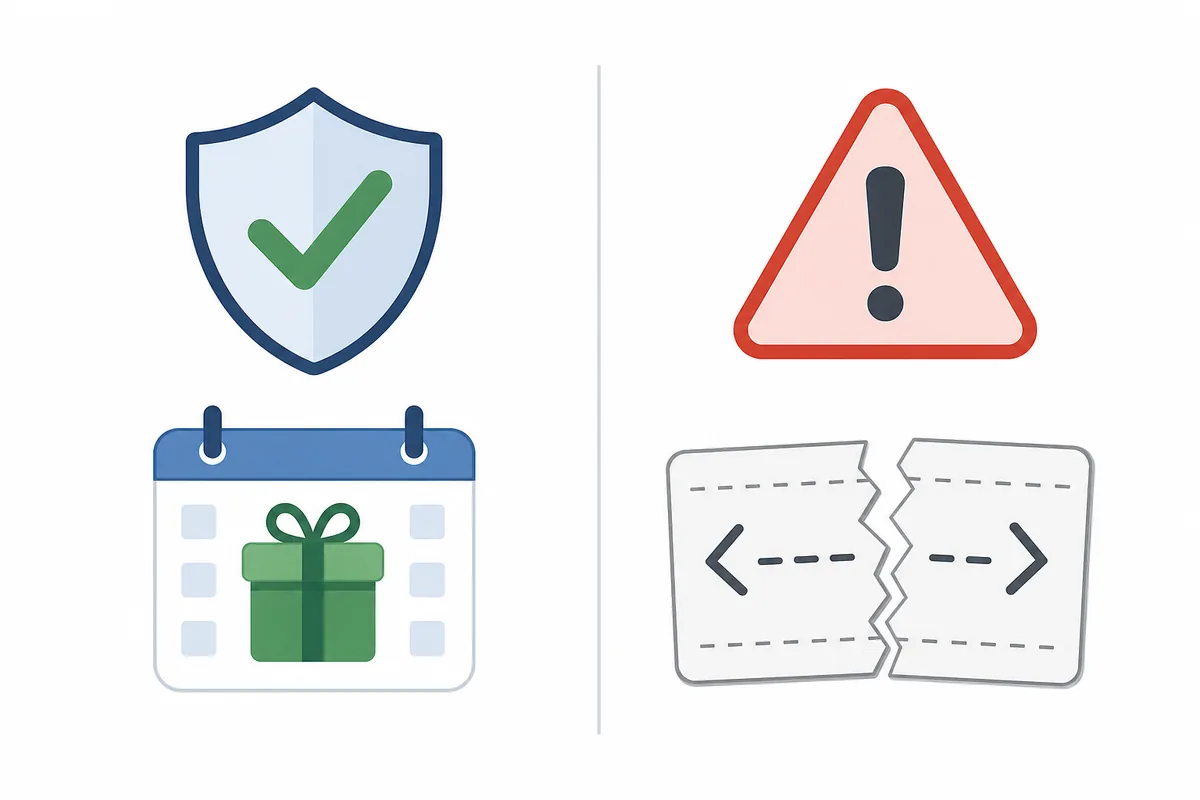
Official source
Epic, Fortnite, in-game quests, or a verified partner explains the reward and claim window.
Community history
A database or guide shows that a reward existed, but you still need current official proof.
Code or account promise
The page asks for a password, survey, download, or account transfer before verification.
How to check free skins in Fortnite right now
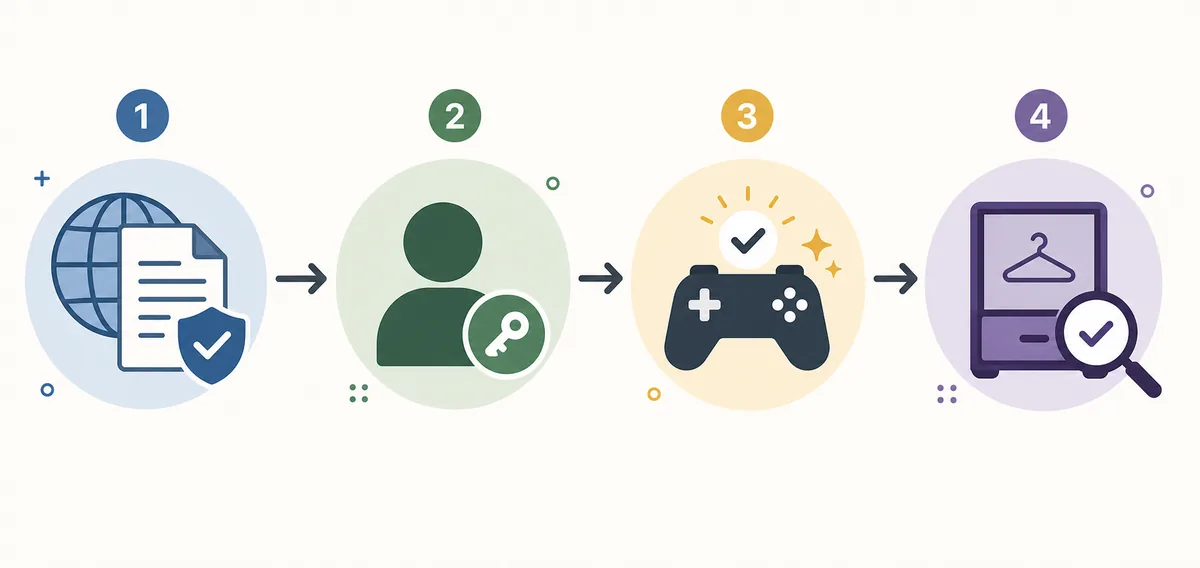
Use a repeatable four-step routine. First, identify the exact reward name from the source that mentioned it. Second, check whether the reward is still inside its date window. Third, confirm the required account condition, such as linking, quest progress, platform, tournament rules, or pass level. Fourth, open Fortnite and confirm the reward path in your own account.
This routine is more useful than a static list because free skins can change faster than an article can be updated. It also protects you from expired screenshots. If the reward cannot be found in official news, the official redeem page, the in-game quest screen, or your locker after the requirement is complete, do not assume a third-party workaround is safe.
Record where the free-skin claim came from and whether it points to Epic or Fortnite.
Look for dates, platform, region, account-link, level, quest, or tournament requirements.
Open the game, quest screen, pass track, item shop, or locker on your own account.
Do not enter passwords, install generators, buy accounts, or trust copied codes.
When the Item Shop is still the better answer
A free reward is only valuable if you actually want it and can claim it safely. If the free path requires a platform you do not use, a tournament you cannot play, or an account-linking step you do not understand, it may not be worth changing your account setup. In those cases, the live Item Shop and V-Bucks budget checks are still the clearer decision path.
Use this site as a split workflow: check free reward claims here, then use the live Fortnite Item Shop tracker to decide whether a paid cosmetic is currently available and worth your V-Bucks. The two searches answer different questions. Free-skin pages answer claim safety. Item shop pages answer availability, price, reset timing, and buy-or-wait decisions.