
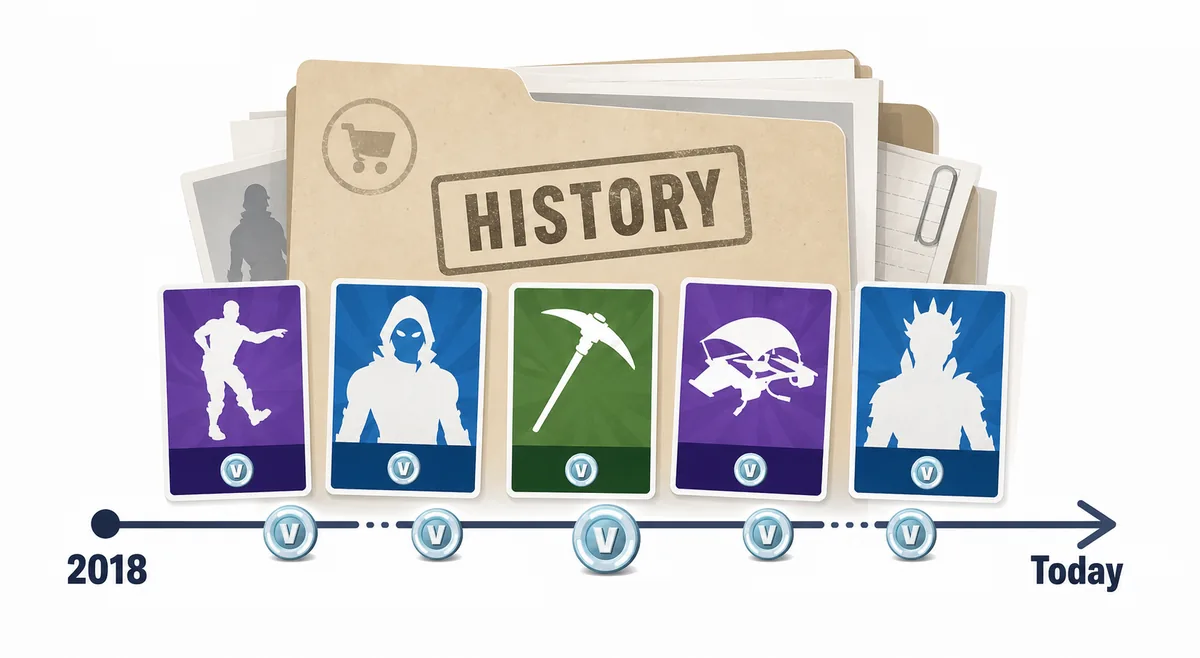
What Fortnite Item Shop history can answer
A good history check starts with a narrow question. If you ask whether a cosmetic has ever appeared in the item shop, a past-shop archive can answer that. If you ask whether the cosmetic is currently available, history cannot answer it; you need today's live shop or the in-game store. If you ask when it will return, history can provide context but not certainty.
That boundary matters because many search results look like complete calendars. They are useful, but they can create false confidence when a reader treats a past pattern like a schedule. Fortnite rotations are controlled by Epic, and item timing can change around seasons, collaborations, events, patches, or business decisions that are not visible in an archive page.
| Question | History can help? | Best next check |
|---|---|---|
| Did this item appear before? | Yes, if the archive source has a dated listing. | Compare multiple community databases when the date matters. |
| Is the item available today? | No. History is past tense. | Check the live shop and your Fortnite account. |
| How long has it been gone? | Yes, if the last appearance date is reliable. | Treat the gap as context, not a countdown. |
| Will it return tomorrow? | Only as a weak signal. | Look for official events, active tabs, and current offer dates. |
How to read Fortnite Item Shop 2018 archive pages
The keyword Fortnite Item Shop 2018 usually signals historical intent. The reader is not asking for today's live shop; they want an old rotation, an old cosmetic, or proof that a skin was sold during an early chapter. A useful 2018 check should record the exact date, the archive source, the cosmetic type, the stated price if available, and whether the item was a normal shop offer or tied to another unlock path.
Do not rely on a cropped social image without a visible date or source. Old shop screenshots are easy to repost, edit, or mislabel. Prefer archive pages that show a date, item names, item types, and a consistent source structure. When the archive disagrees with the current game client or an official Epic page, treat the official or current account view as the final source for buying.
A 2018 archive page is only useful when the date is clear. Avoid screenshots that hide the day or reuse yesterday's shop.
FNBR, Fortnite.GG, Fortnite Wiki, and other community tools can provide history, but they are not purchase authorities.
A normal item shop outfit should not be analyzed the same way as a Battle Pass or promotional reward.
History tells you what happened. Today's shop tells you whether the cosmetic can actually be bought now.
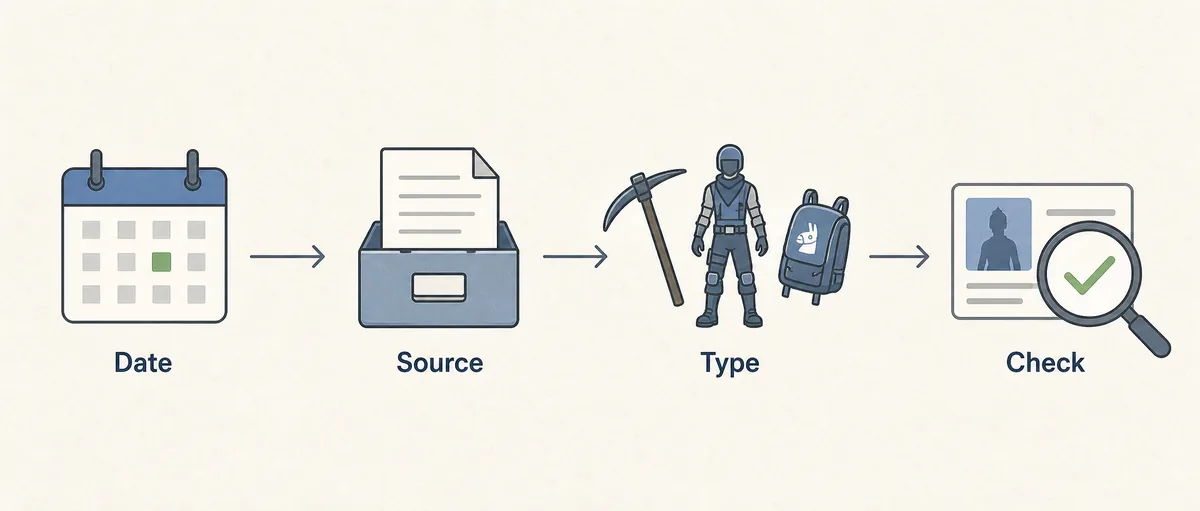
History, return gaps, and why old shops do not guarantee future dates
A return gap is the time between the last known shop appearance and today. It is one of the most useful signals in Fortnite item shop history because it explains why players search for a skin. A cosmetic that has not appeared for a long time can feel rare even if it was a normal shop item when it released.
The mistake is turning the gap into a promise. A 500-day or 1,000-day absence does not force a return. It only says the item has been unavailable through normal shop rotation for that period. Stronger evidence comes from official news, active event timing, related set activity, or a live shop offer.
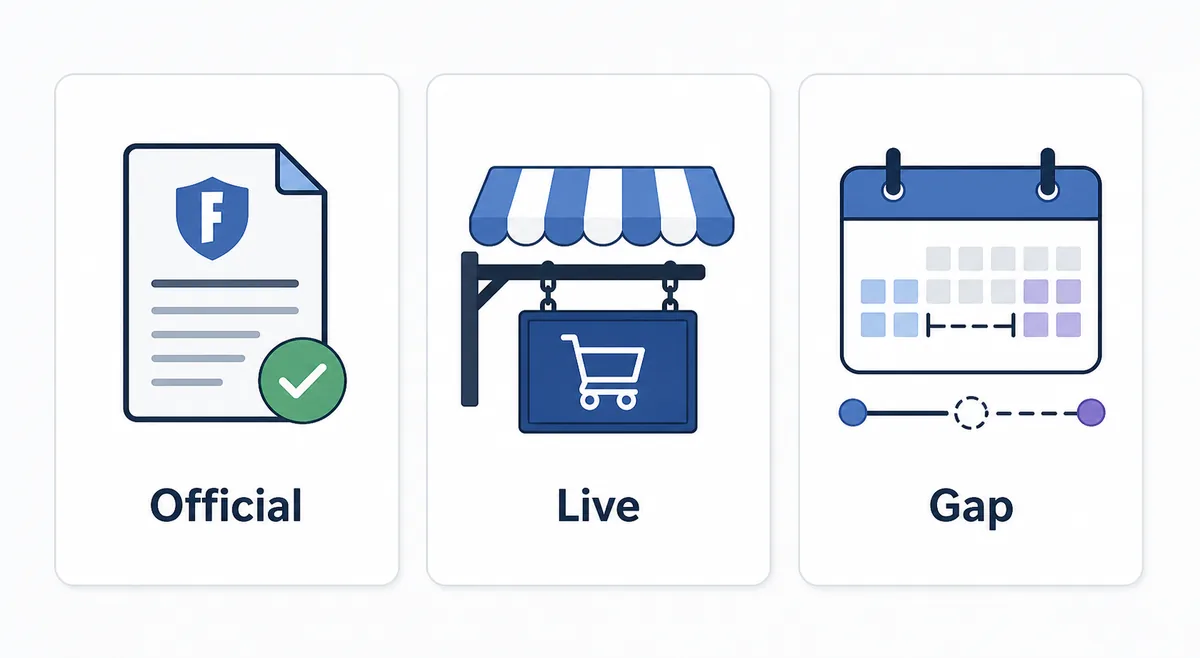
Official or live evidence
Fortnite news, Epic pages, the in-game store, and the live item shop are the best sources for current availability.
Dated archive evidence
Past shop pages help with last-seen dates, old prices, and return-gap context.
Undated screenshot evidence
Cropped or reposted images can support a memory, but they should not drive a purchase decision alone.
Where to check past Fortnite item shops
Use first-party sources for current purchase facts and community sources for historical context. Epic's official Fortnite Item Shop and Fortnite news pages are best for live availability, account rules, events, and purchase paths. Public feeds and community databases are useful for item names, images, dates, and historical shop appearances.
When you use a community archive, treat it as directional unless the site documents its source clearly. Compare at least two sources for high-stakes questions such as rare skin claims, account-value claims, or a purchase decision based on a return gap. If two archives disagree, do not invent a conclusion; record the conflict and rely on the current official shop before buying.
| Source type | Best for | Limit |
|---|---|---|
| Official Fortnite shop | Current availability and purchase path. | Not a full historical archive. |
| Official Fortnite news | Events, collaborations, and announced releases. | May not list every daily rotation. |
| Fortnite-API or public feeds | Current feed context, item names, images, and examples. | Public-feed context is not an official purchase guarantee. |
| Community archive pages | Past dates, return gaps, and old shop context. | Need source/date checks and cautious captions. |
7-step workflow for using shop history before spending V-Bucks
Start with the live shop. If the cosmetic is visible in your account, history becomes a confidence check rather than a buying requirement. If the cosmetic is not visible, search history by exact item name and date, then classify the item source. A normal rotating outfit, an old Battle Pass reward, a Crew cosmetic, and a collaboration skin each need different expectations.
Next, compare the last known appearance with current context. Is there a related event? Has a set-mate returned? Is an official collaboration active? Is the item part of a bundle that could change the price? Finally, decide whether the evidence is strong enough to wait. A history page can help you budget V-Bucks, but it should not pressure you into buying accounts, codes, or promises.
- 1. Check today's live shop first.
- 2. Search the exact cosmetic name in a dated archive.
- 3. Record the last seen date and source URL.
- 4. Identify whether the item was shop, pass, reward, pack, Crew, or collaboration.
- 5. Compare related set activity and official event timing.
- 6. Treat the return gap as context, not a deadline.
- 7. Confirm the final price and eligibility inside Fortnite before buying.
Common mistakes when reading old Fortnite shops
The first mistake is mixing shop cosmetics with locked rewards. A past Battle Pass item can be historically important without being a normal item shop candidate. The second mistake is trusting exact-date prediction language because a skin has been absent for a long time. Long gaps create demand; they do not create a public schedule.
The third mistake is assuming every archive is complete. Community tools are valuable, but no fan page should override the live account view. The fourth mistake is using history to justify risky account buying. If you cannot buy the cosmetic through Fortnite or an official Epic path, a historical listing does not make an unofficial deal safe.